
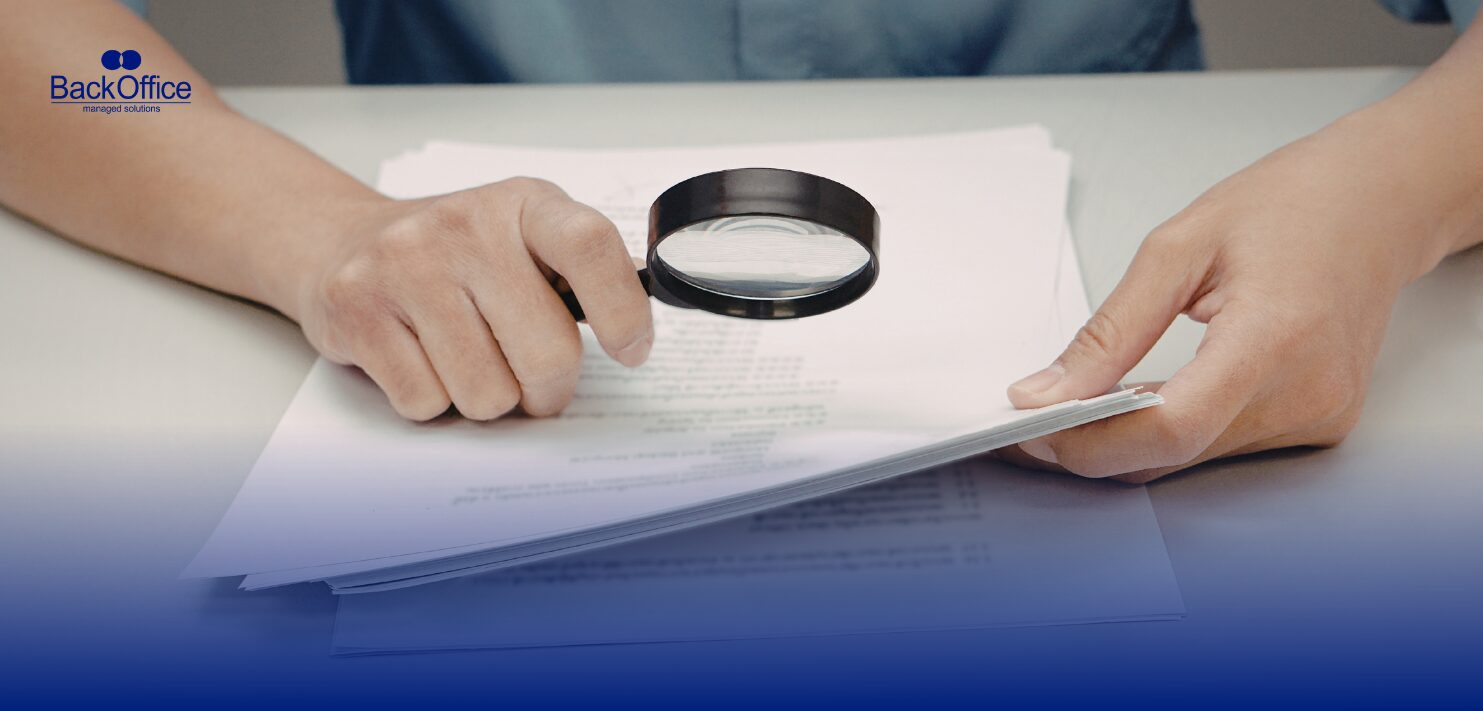
Paper files had their moment. For decades, businesses relied on filing cabinets, color-coded folders, and long afternoons spent searching for one missing invoice. Yet the modern workplace runs on speed. Teams share information across offices, cities, and time zones. A paper-heavy system struggles to keep up.
Many organizations now look for alternatives to paper-based document management that support faster access, stronger security, and better collaboration. The good news is that several more useful options exist. Each works well for a different kind of workflow, so the choice often depends on how your team handles information every day.
Below are some of the most practical systems companies now use instead of traditional paper storage.
1. Cloud-Based Document Management Systems
Cloud document platforms have become a favourite for businesses that want simple access without complex infrastructure.
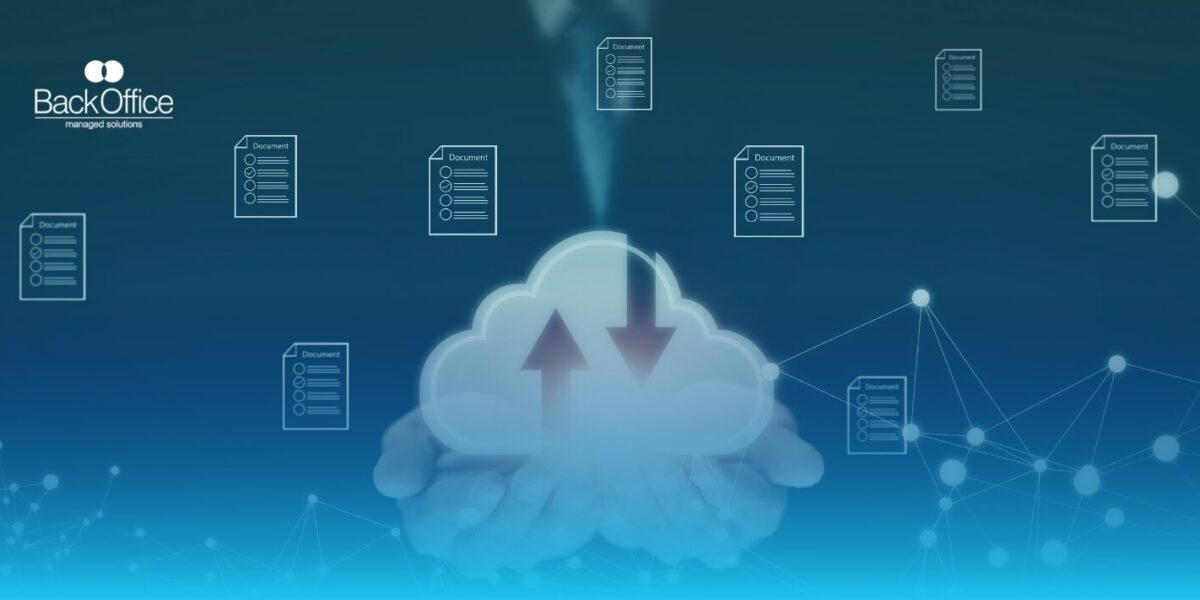
A cloud-based system stores documents on remote servers rather than in a physical archive room. Employees log in through a secure dashboard and can pull up contracts, reports, or invoices from almost anywhere. A sales manager on the road can check a proposal from a tablet, while someone in finance reviews the same file from the office.
This setup also works well for teams that collaborate frequently. Two employees can edit or review a document at the same time without emailing five different versions back and forth. Version history tracks every change, so nothing disappears into thin air.
Another benefit is scalability. A company that once needed three filing cabinets may eventually require space for millions of digital files. Cloud systems simply expand storage as the business grows. There is no need to rent additional storage rooms or move boxes from one location to another.
For businesses that deal with frequent document sharing or remote teams, cloud systems often sit at the top of the list of alternatives to paper-based document management.
2. Digital Scanning And Optical Character Recognition
Some companies still have mountains of paper records from earlier years. That does not mean they must live with that clutter forever.
Document scanning paired with Optical Character Recognition, often called OCR, converts paper files into searchable digital documents. The process starts with high-resolution scanners that capture the pages. OCR software then reads the text on those pages and converts it into searchable data.
This approach works particularly well for industries with long document histories. Law firms, healthcare providers, and accounting practices often store years of client records. A digitization project turns those shelves of folders into an organized digital archive.
Picture a legal assistant searching for a contract clause from 2017. Instead of digging through cabinets, she simply types a keyword into the system and pulls up the file in seconds.
Companies that want to reduce physical storage but still keep historical records often adopt this method as one of their primary alternatives to paper-based document management.
3. Enterprise Content Management Platforms
Enterprise Content Management (ECM) platforms go beyond basic storage. They act as a central nervous system for a company’s information.
An ECM platform organizes documents, emails, forms, and reports in one structured environment. Files move through workflows based on predefined rules. For instance, an invoice may travel from the accounts department to a manager for approval and then to finance for payment.
This structure works well for companies with heavy documentation and strict processes. Insurance firms, banks, and government agencies rely on these platforms because they handle large volumes of regulated documents.
Security also plays a major role. Administrators control who can view, edit, or download certain records. Sensitive files remain visible only to authorized staff. This reduces the risk of confidential information floating around unchecked.
In organizations that manage thousands of documents every week, ECM systems create order where chaos once lived.
4. Workflow Automation Platforms
Some businesses do not just want to store documents. They want those documents to trigger action.
Workflow automation platforms handle this task. These systems connect documents to business processes so tasks move forward without constant manual follow-up.
Take employee onboarding as an example. A new hire signs a digital contract. The platform automatically routes tax forms to payroll, ID documentation to HR, and training materials to the employee portal. No one has to shuffle paper between departments.
The same logic works for purchase approvals, vendor agreements, or service requests. Each document moves through a defined path until the process reaches completion.
Companies that depend on repeatable procedures often find workflow platforms far more practical than a traditional filing system.
5. Secure Document Portals
Some industries need a safe way to exchange files with clients or external partners. Email attachments do not always meet security requirements, especially when sensitive data is involved.
Secure document portals provide a controlled space where clients upload and download documents safely. Each user logs in through a protected account. Access permissions determine which files they can view.
Accounting firms use these portals during tax season. Clients upload financial documents through the portal rather than sending them through email. Legal firms share case files the same way.
This setup protects sensitive information and keeps communication tidy. Instead of juggling long email threads, everyone works within one secure hub.
For organizations that deal with confidential documents and external stakeholders, portals serve as another strong option among alternatives to paper-based document management.
Time To Move Beyond Filing Cabinets
Paper systems often slow a business down. Files get misplaced. Cabinets take up valuable office space. Employees waste time searching for documents that should be easy to find.
Digital systems bring order and speed to everyday work. Teams retrieve documents in seconds, share files across locations, and track changes without confusion.
Of course, switching from paper to digital systems requires planning. Businesses must decide which platform fits their workflow, compliance needs, and team structure. Once that step becomes clear, the transition usually pays off in better productivity and fewer administrative headaches.
Simplify Document Management With Back Office
Managing documents should not feel like chasing loose papers across a desk.
Back Office offers professional document management services that help businesses digitize records, organize files, and maintain secure digital archives. Our team handles scanning, indexing, and structured storage so your documents stay accessible and well organized.
If your organization wants practical alternatives to paper-based document management, our specialists can guide the transition and set up a system that fits your operations.
Contact us today to learn how we can help you streamline your document management and reclaim valuable workspace.